An embroidery digitizing app for Mac and Windows. It's in beta, and we're looking for people to try it on their own machines.
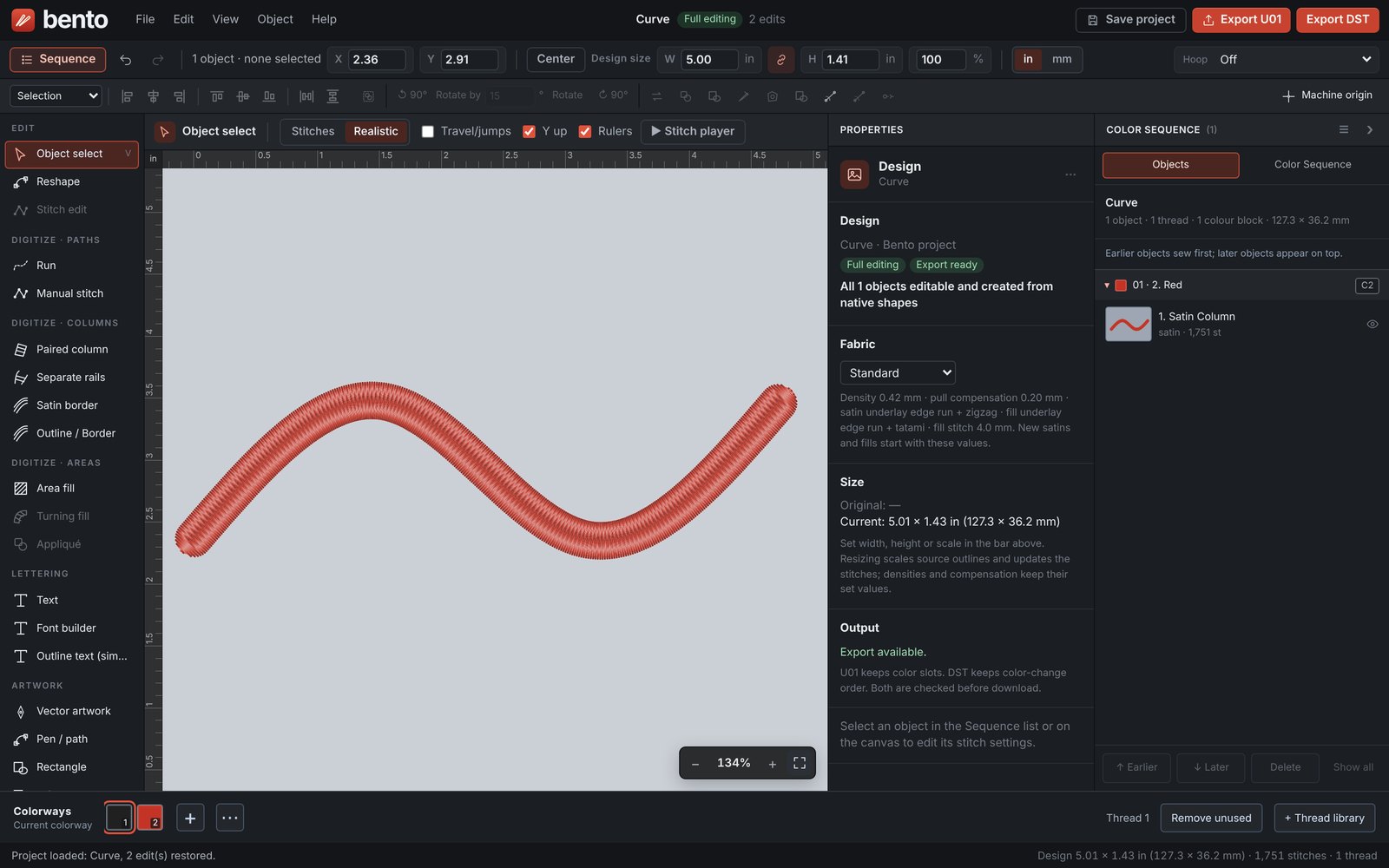
Draw a design as shapes and Bento makes the stitches. Change a shape, its size or its settings and the stitches are made again.
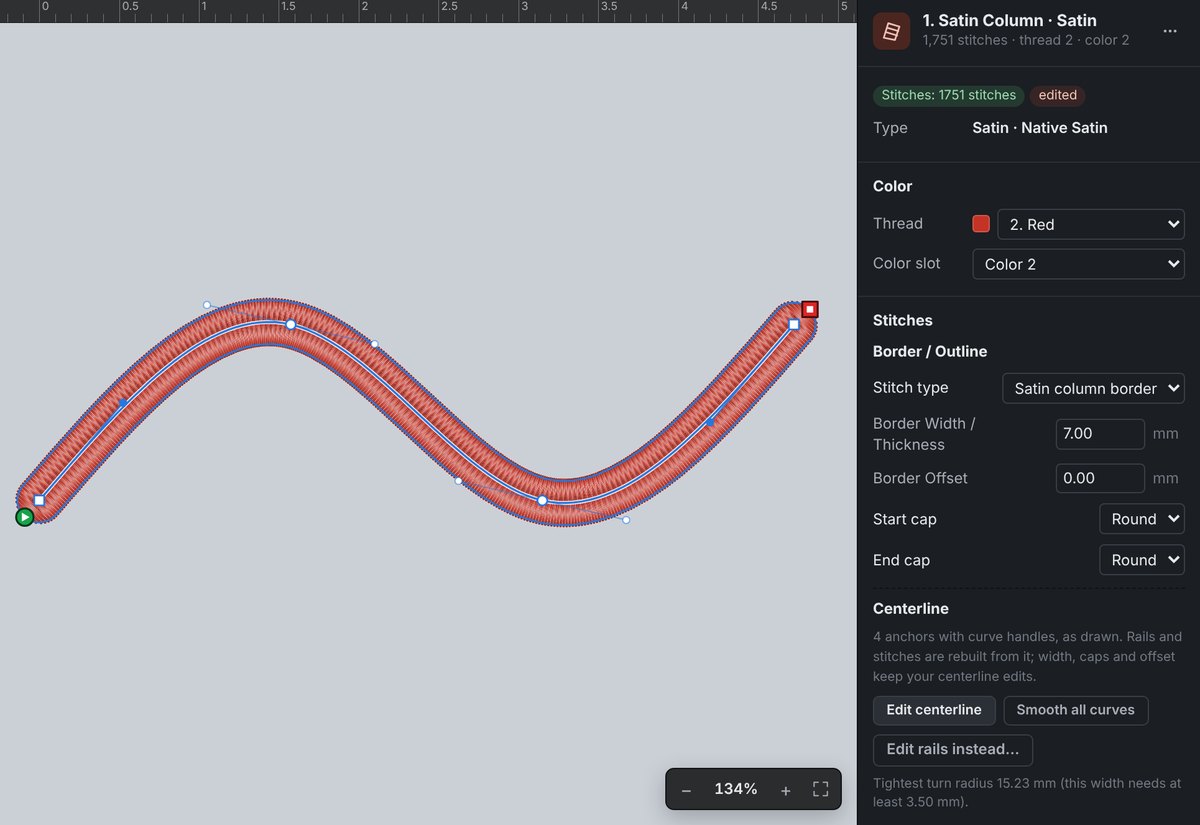
A satin border is drawn along a centerline you can reshape. Drag its anchors and curve handles, add or remove anchors, or switch one between smooth and corner, and the satin is stitched again along the new line. Width, offset and placement stay as you set them.
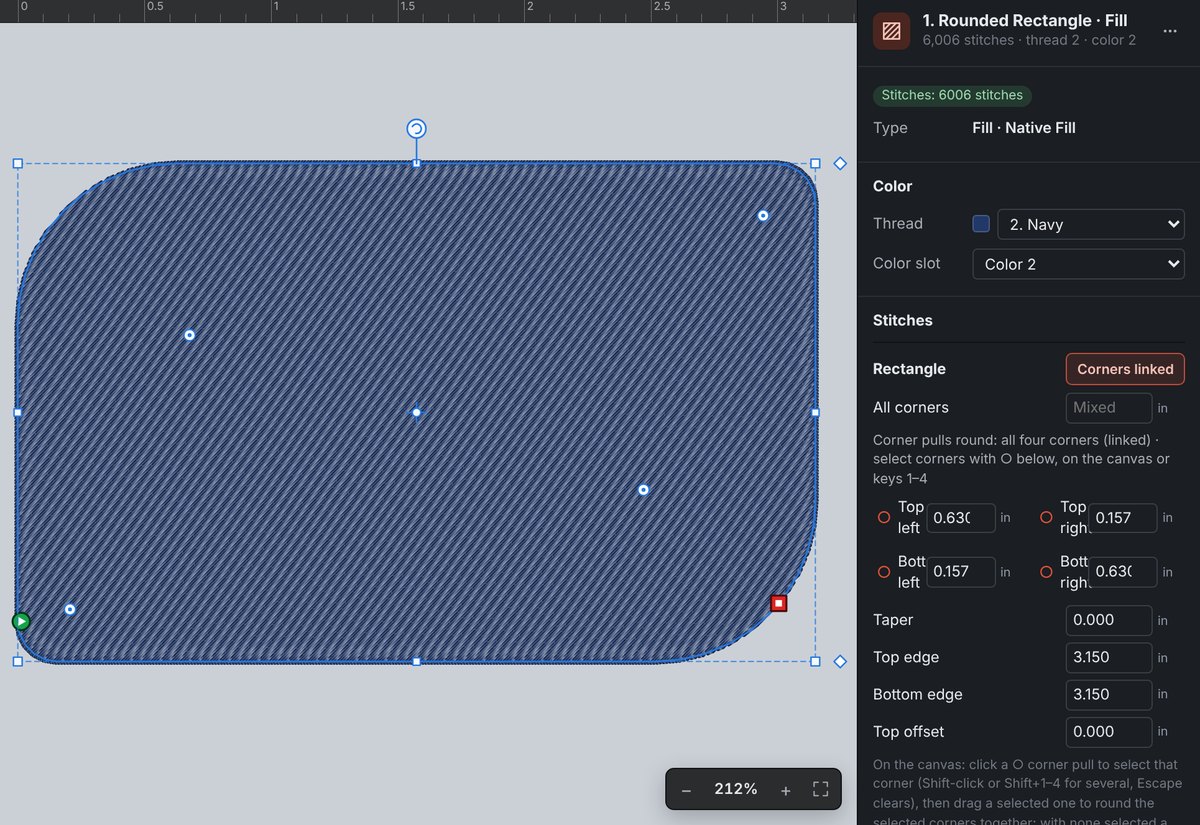
Rectangles keep their corners live. Round all four together or each one on its own, by dragging on the canvas or typing a size, and taper the sides. Change it later and the fill is stitched again.
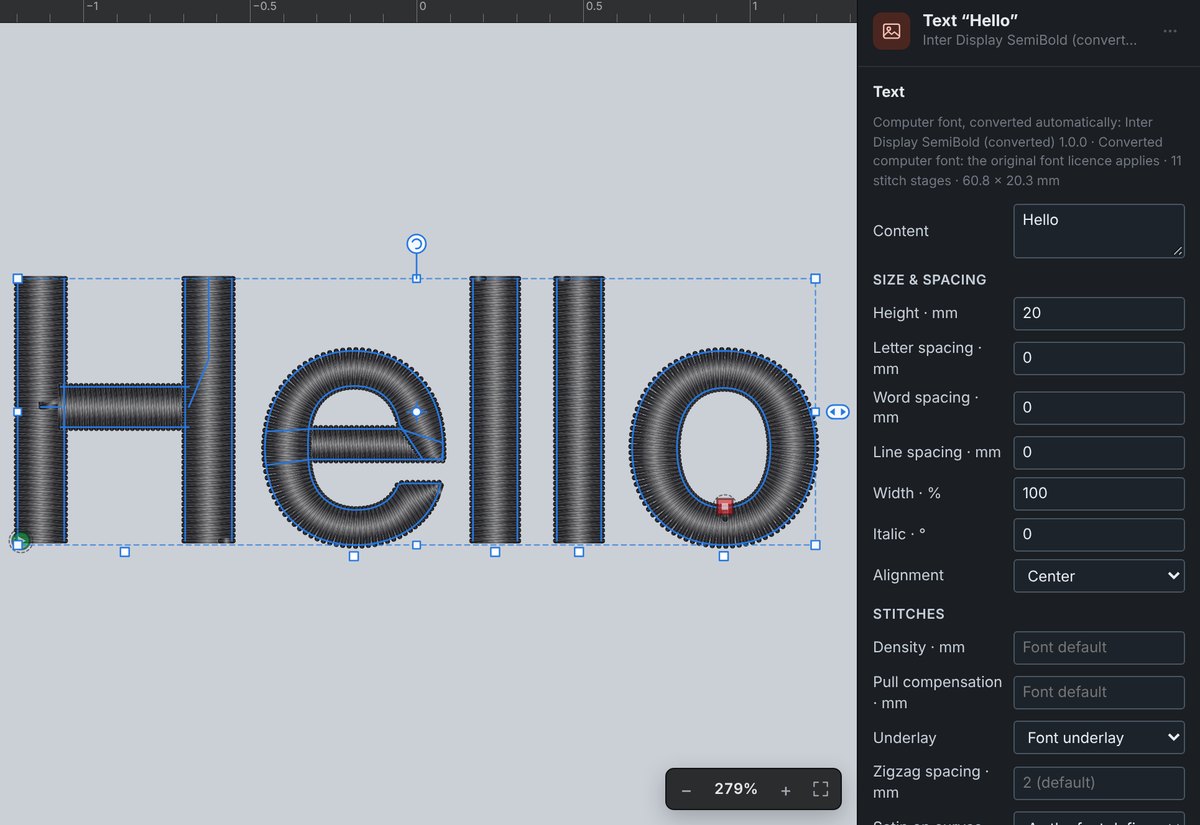
Use the included embroidery fonts, or pick a TTF or OTF font from your computer and Bento turns its letters into satin stitches. The text stays editable: change the words, size, spacing or stitch settings any time. Letters it isn't sure about are flagged so you can check them before you sew. This part is still in testing: some fonts, especially italics, don't stitch well yet.
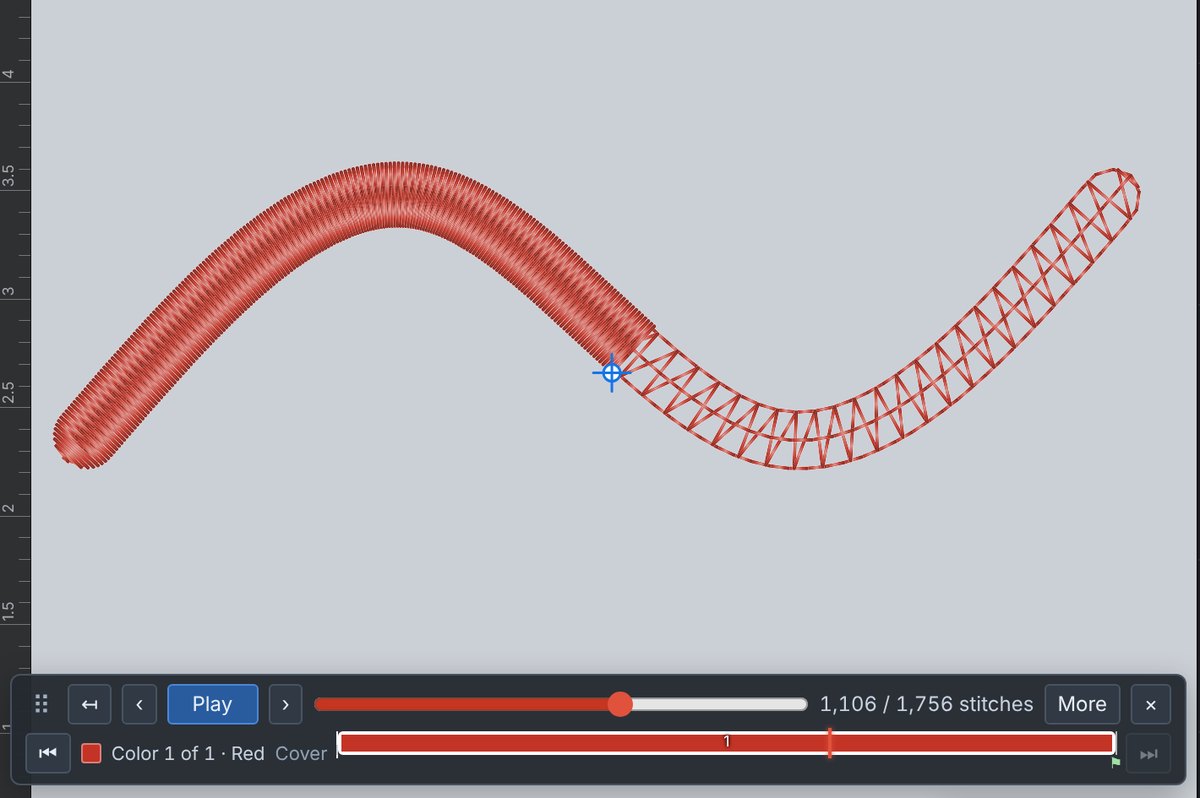
Play the design stitch by stitch in the order the machine will sew it, step forward and back, or jump to a color. Here the underlay has been sewn and the satin is covering it.
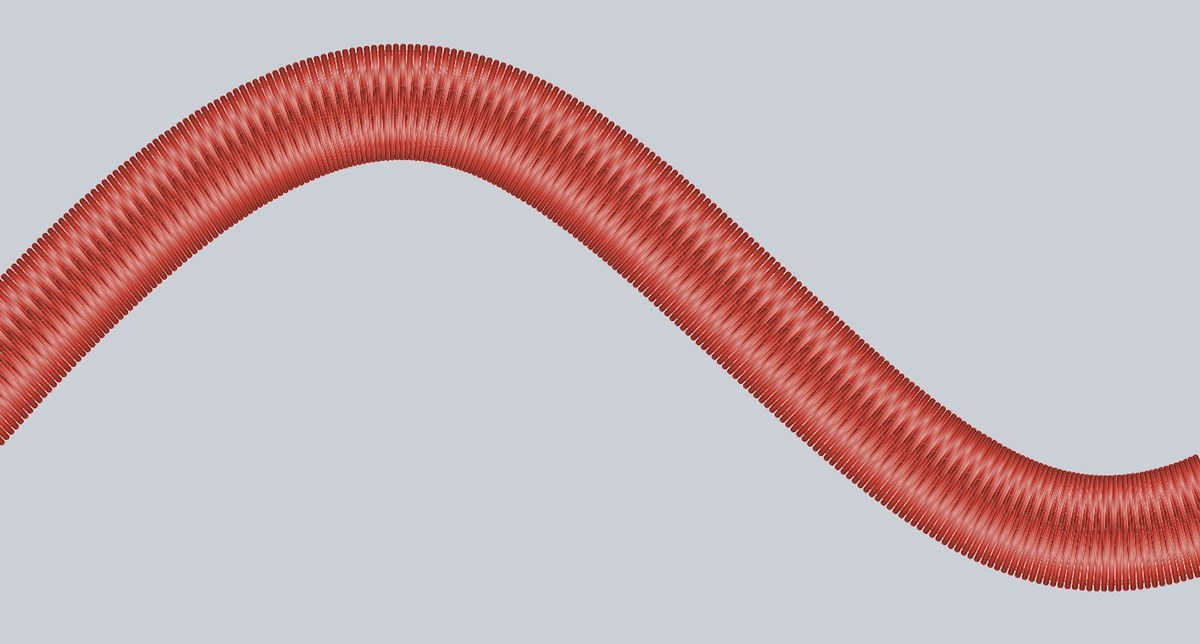
Close up, realistic view.
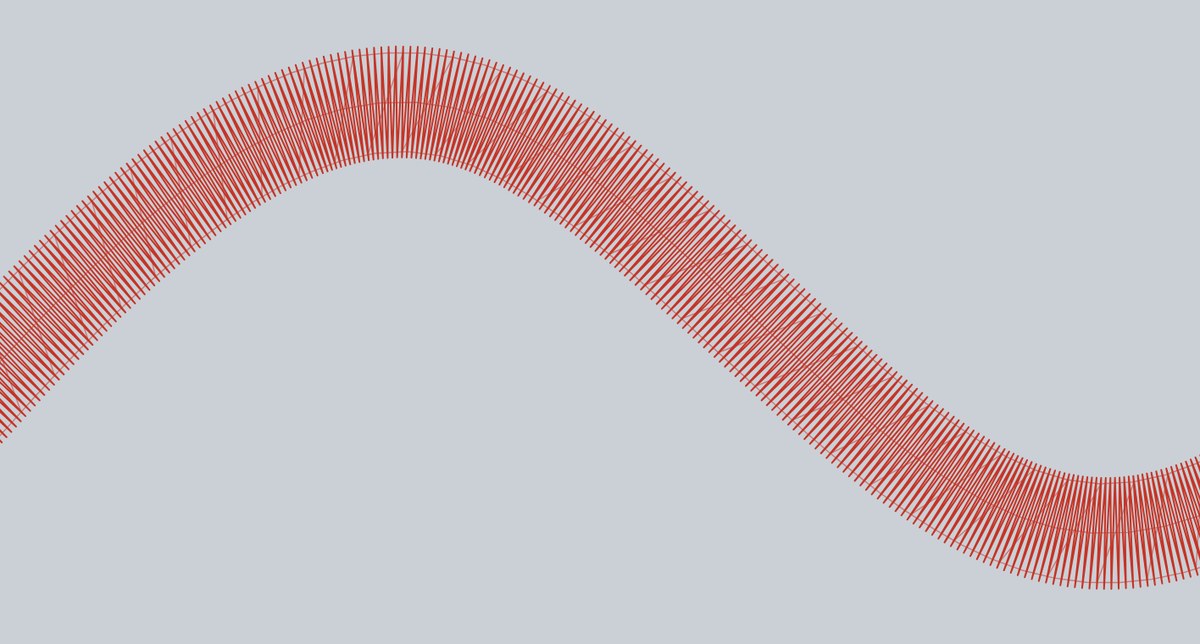
The same close up, stitch view.
We're letting testers in a few at a time. If you're in, we'll email you the download, install steps and a beta key.
What we collect and why. Your email (to send your download and contact you about the beta), your computer (so you get the right version), your embroidery machine and your note (so we know what to test). We don't sell it, and you can ask us to delete it at any time. Your designs aren't sent to us.
 Bento